

Book Every Seat and Date in One Checkout


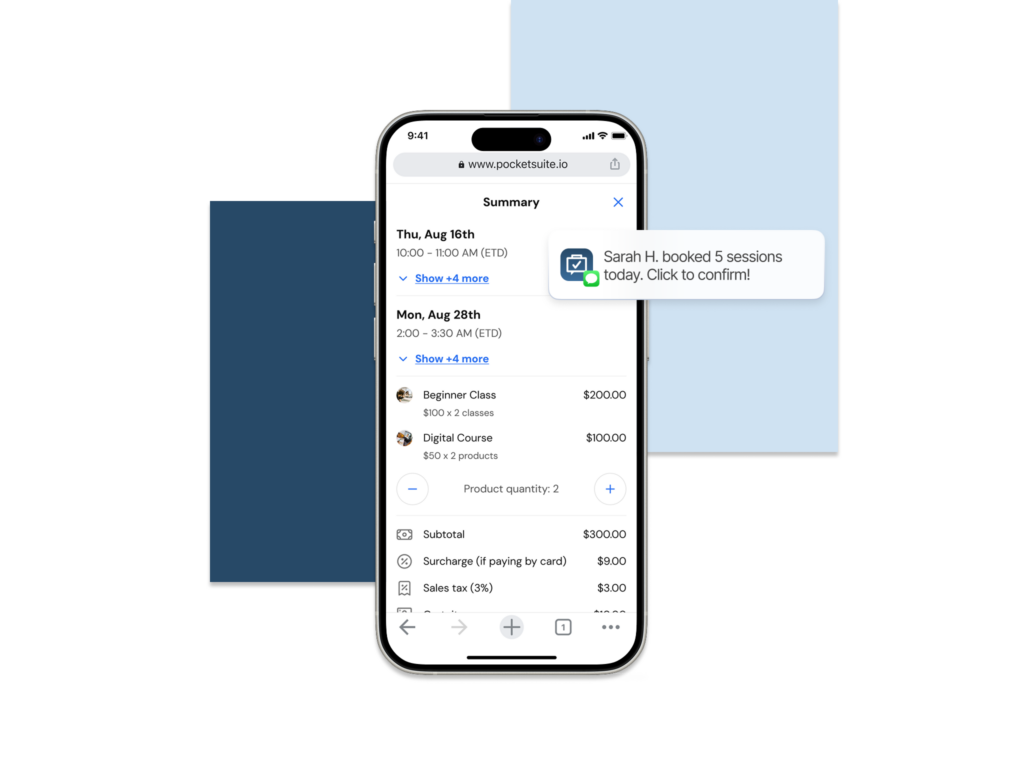
Book Several Sessions in One Checkout
Clients set how many seats they need, pick a date, then tap Add another for more dates or services. Two dogs at the groomer, two kids in tutoring, or a couples massage all land in one cart, up to 30 sessions.

Pay One Bill, Keep Every Booking Separate
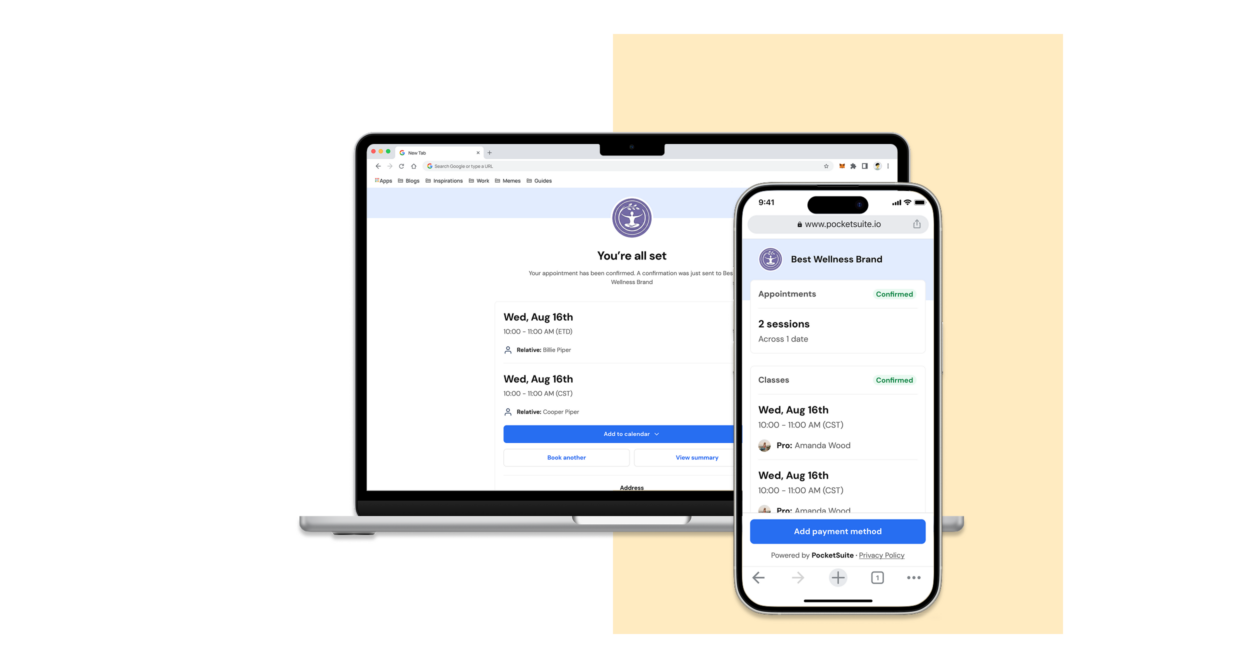
Clients confirm all sessions and pay one combined deposit. Each session stays its own booking with its own price, team member, and reminders, so your reports show every session on its own.
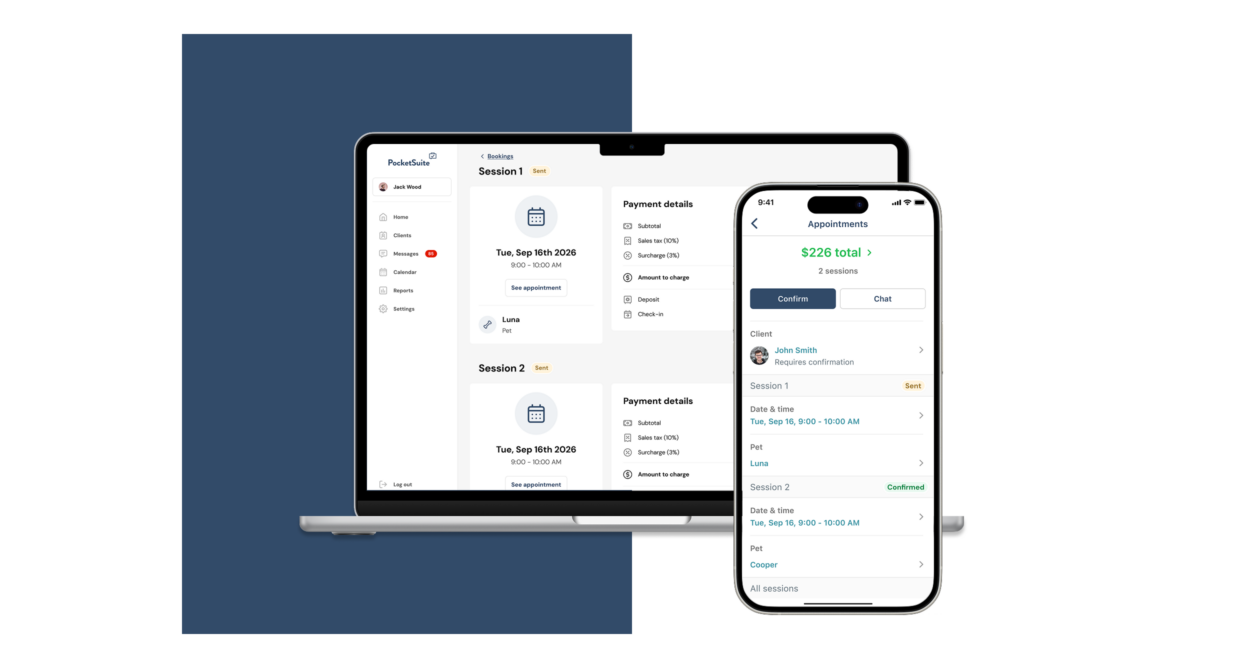
Manage the Whole Visit from One Record
Open the combined booking record from your message thread or the Other sessions field on any booking. See the total and session count, then tap Confirm all to approve every session at once.
F.A.Q.s
Who Is Multi-Session Booking For?
Any business whose clients book more than one session at a time, including pet care, health and wellness, camps, childcare, tutoring and education, and mobile detailing and auto services. Two dogs, two kids, or two cars can all go through one checkout.
Can Clients Book Multiple Dates and Services at Once?
Yes. After picking a time, clients tap Add another to add another date or another service, and everything lands in one cart. Services, overnight and same-day reservations, and drop-in classes can all be booked together, up to 30 sessions per checkout.
Does Each Session Still Get Its Own Booking?
Yes. Every session keeps its own price, team member, and reminders, so your reports show each one on its own. All the sessions stay linked, so you can move between them from the Other sessions field on any booking.
Can I Apply a Deposit or Discount Across Every Session?
Yes. Set a discount, deposit, sales tax, or check-in amount once from the overall total, and it applies to each session. A fixed amount shows the math (“$20 x 3 sessions = $60”), and a percentage applies to each session’s own subtotal. You can still adjust any single session.
Do Clients Have to Pay and Confirm Each Session Separately?
No. Clients get one confirmation link, tap Confirm all, and pay one combined deposit with one receipt that lists every session. They can also reply 2 to your text to confirm everything, and they still get a separate reminder and check-in link for each session.