

Check In Every Client with Nothing Left Undone





Resolve Only What's Outstanding
Check-In checks required fields, forms, documents, cards on file, contracts, and check-in payments in order, and skips any step that's already resolved. If nothing's outstanding, checking in still takes one tap.
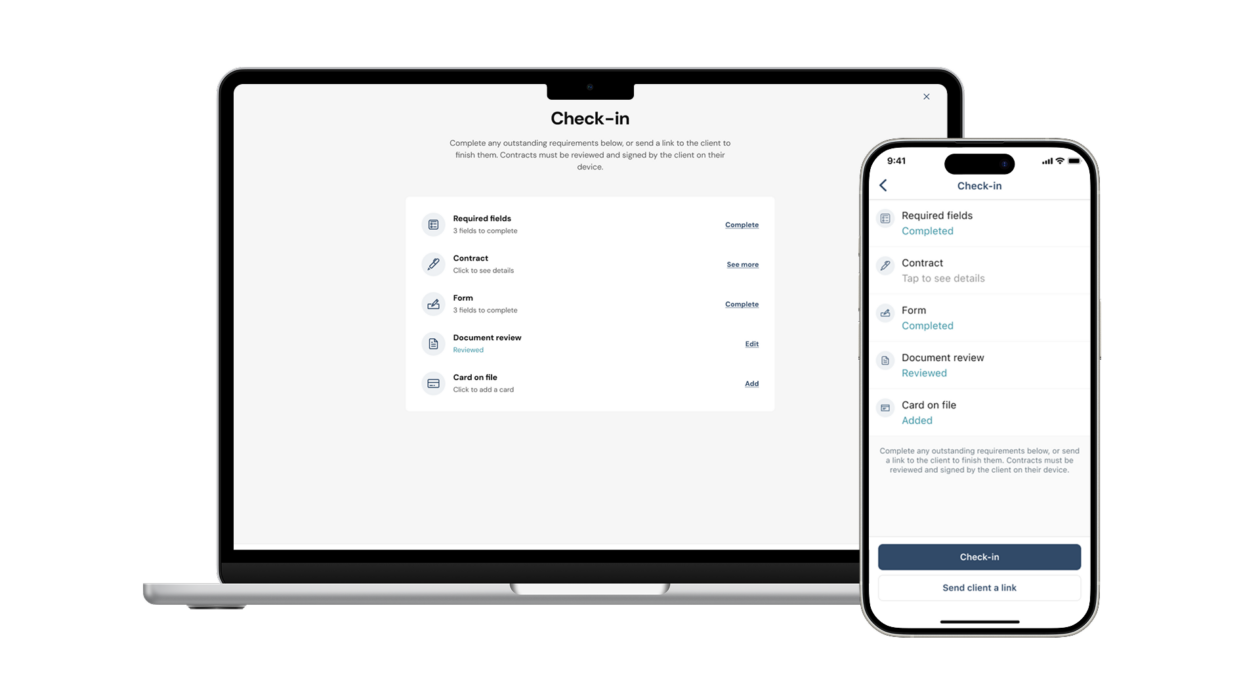
Keep Vaccine Records and Waivers Current
Documents with expiration dates turn yellow when they're expiring within 30 days and red once they've expired, so businesses catch a lapse before a client walks in.

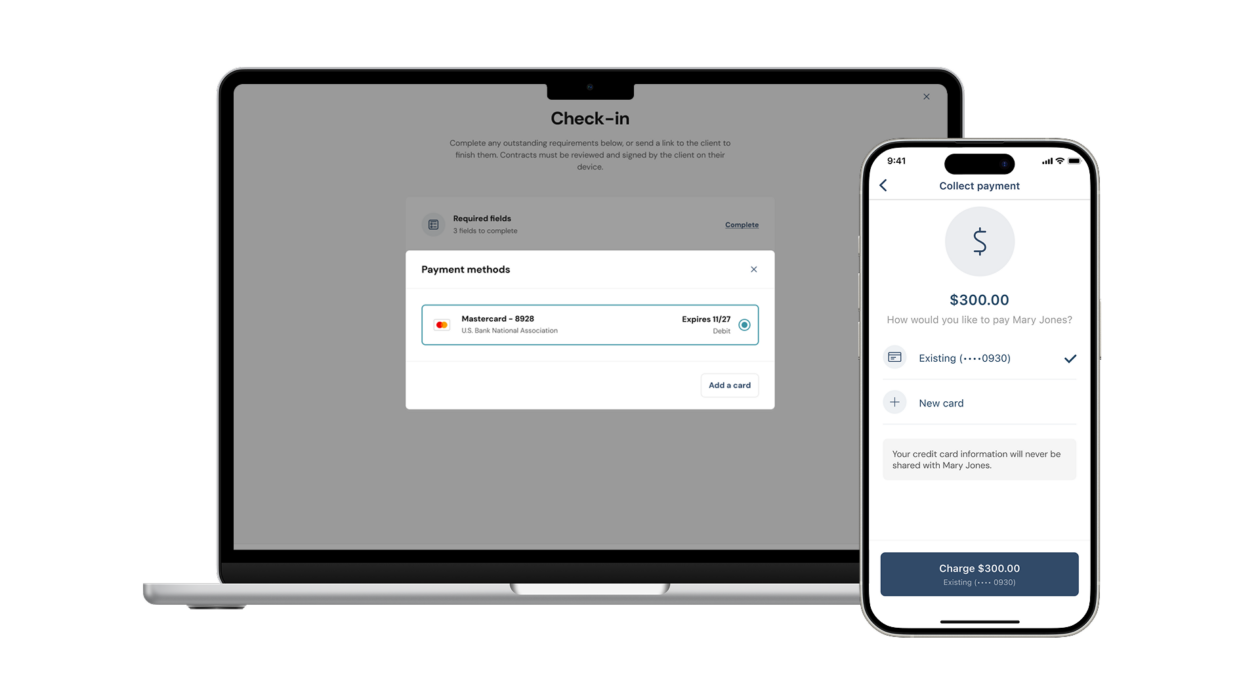
Collect a Check-In Payment Automatically
Set a fixed check-in payment on any service or reservation and charge the client's card on file as part of the Check-In flow, kept separate from checkout.
Override with a Full Audit Trail
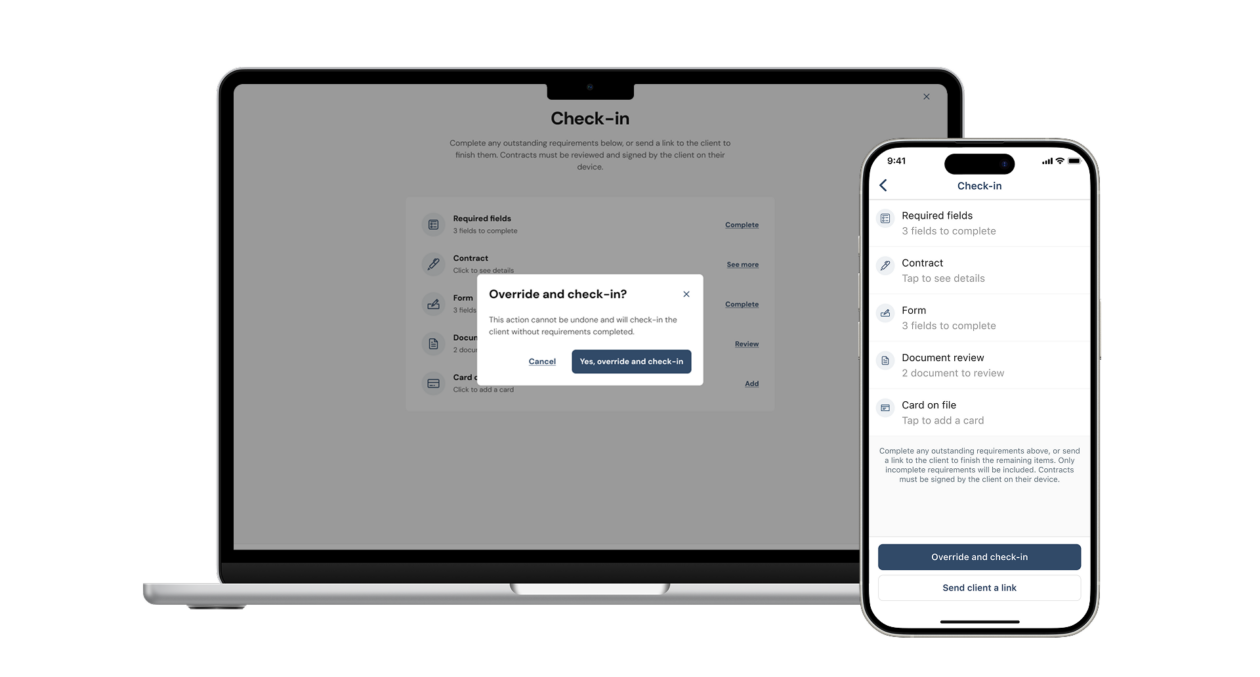
Admins and SuperAdmins can move forward without resolving every requirement, and every override is logged with a name, a timestamp, and a notification to the account owner.
FAQs
What Is Check-In Workflow?
Check-In Workflow is a guided, multi-step check-in process that confirms forms, contracts, cards on file, and documents are resolved before a client’s appointment starts. It’s available for all item types, including services, classes, and reservations.
Who Can Use Check-In Workflow?
Any Pro can turn it on. It’s especially useful for boarding, daycare, grooming, and training businesses that need vaccine records, waivers, or other paperwork on file before accepting a client, but it works for any business that wants a consistent, auditable check-in process.
How Do I Turn It On?
SuperAdmins can turn it on at Settings > Scheduling > Check-in Status. Choose “Only if requirements” to trigger the guided flow only when something’s outstanding, or “Always” for a step-by-step record on every booking. Existing accounts default to “Already checked in,” so nothing changes until it’s turned on.
Can Clients Complete Requirements on Their Own?
Yes. Send a client a link at any step and they can complete outstanding forms, contracts, and card-on-file requirements themselves from the booking widget.
What Happens If Something's Overridden?
Overrides are always available to Admins and SuperAdmins, and Staff can override only if a SuperAdmin turns that permission on. Every override is logged on the booking with a name and timestamp, and the account’s SuperAdmin gets notified.